Booking Notifications in Telegram
The AutoRent CRM bot sends a morning summary, reminds you about pickups and returns, and shows which cars are free for any dates with one command.
At a small rental business the owner is rarely at a computer: handing over cars, driving to the garage, answering calls. So the important things should reach your phone on their own. The AutoRent CRM Telegram bot for rental business owners does exactly that — without installing yet another company app.
New booking — instantly on your phone
Booking notifications arrive instantly: new booking (car, dates, customer, amount), cancellation, pickup and return with odometer and extra charges, new damage. You don't have to open the CRM to know what's going on — and the employee who took the booking doesn't have to call you.
Return and service reminders
- morning: today's pickups, returns, late cars and what needs attention,
- 2 hours before each pickup and return,
- late returns and missed pickups,
- insurance and inspection expiring (30, 7 and 1 day),
- kilometres driven between rentals without a reason.
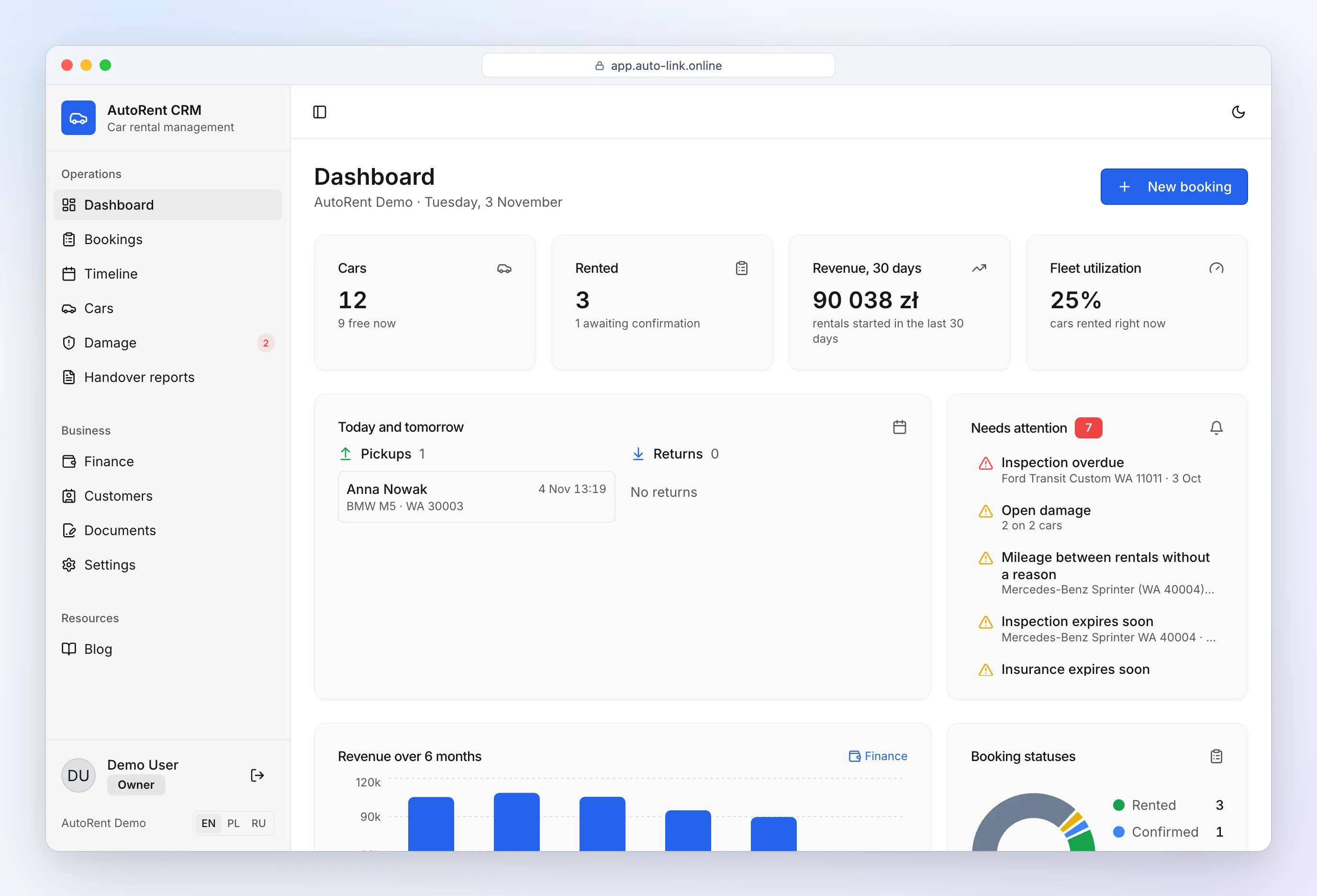
Every reminder is sent once — no spam. The same information is on the CRM dashboard, so nothing is lost if your phone isn't at hand.
For owners and staff
Connect several chats to one company — the owner and staff — and each chooses what to receive and in which language: the multilingual bot writes in English, Polish or Russian (switch with /lang), handy when your team comes from different countries. The bot also answers commands:
- /free — pick dates and get the list of free cars with the price for the whole period; handy when a customer calls asking "what do you have for the weekend?",
- /today and /week — pickups and returns for today and the next 7 days,
- /car — car status, next bookings, odometer, insurance and inspection,
- /find — customer by name or phone (including blacklist status),
- /alerts — everything that needs attention,
- /lang — bot language: English, Polish or Russian,
- /stats — income, expenses and profit for the month.
How to connect the bot
- In the CRM open Settings → Telegram and click "Connect Telegram".
- Open the link on your phone or send the bot the one-time code.
- Choose which notifications you want. Done — it takes a minute.
Disconnecting a chat is one /stop command. The bot only talks to chats you connected with a code — a stranger can't see your company's data.
All bookings on one timeline: car rental booking calendar.
Overview: car rental software.
Frequently asked questions
Do I need Telegram?
No. All reminders are also shown on the CRM dashboard. Telegram is a convenient extra if you want them on your phone.
How much does the bot cost?
Nothing extra — Telegram notifications are part of every plan, the free month included, with no limit on chats or messages.
What language does the bot use?
English, Polish or Russian. The bot picks the language of your Telegram app when you connect, and you can change it with /lang or in the CRM settings — separately for every connected chat, so the owner and staff can each use their own language.
Which notifications does the bot send?
A morning summary, reminders 2 hours before pickups and returns, overdue returns, insurance and inspection dates, new bookings and inspection reports.
Can several people get notifications?
Yes, connect the bot to several chats — each chat has its own language.