Car Rental Booking Calendar
All cars and bookings on one timeline. Drag a booking to another day or another car — the CRM makes sure nothing overlaps.
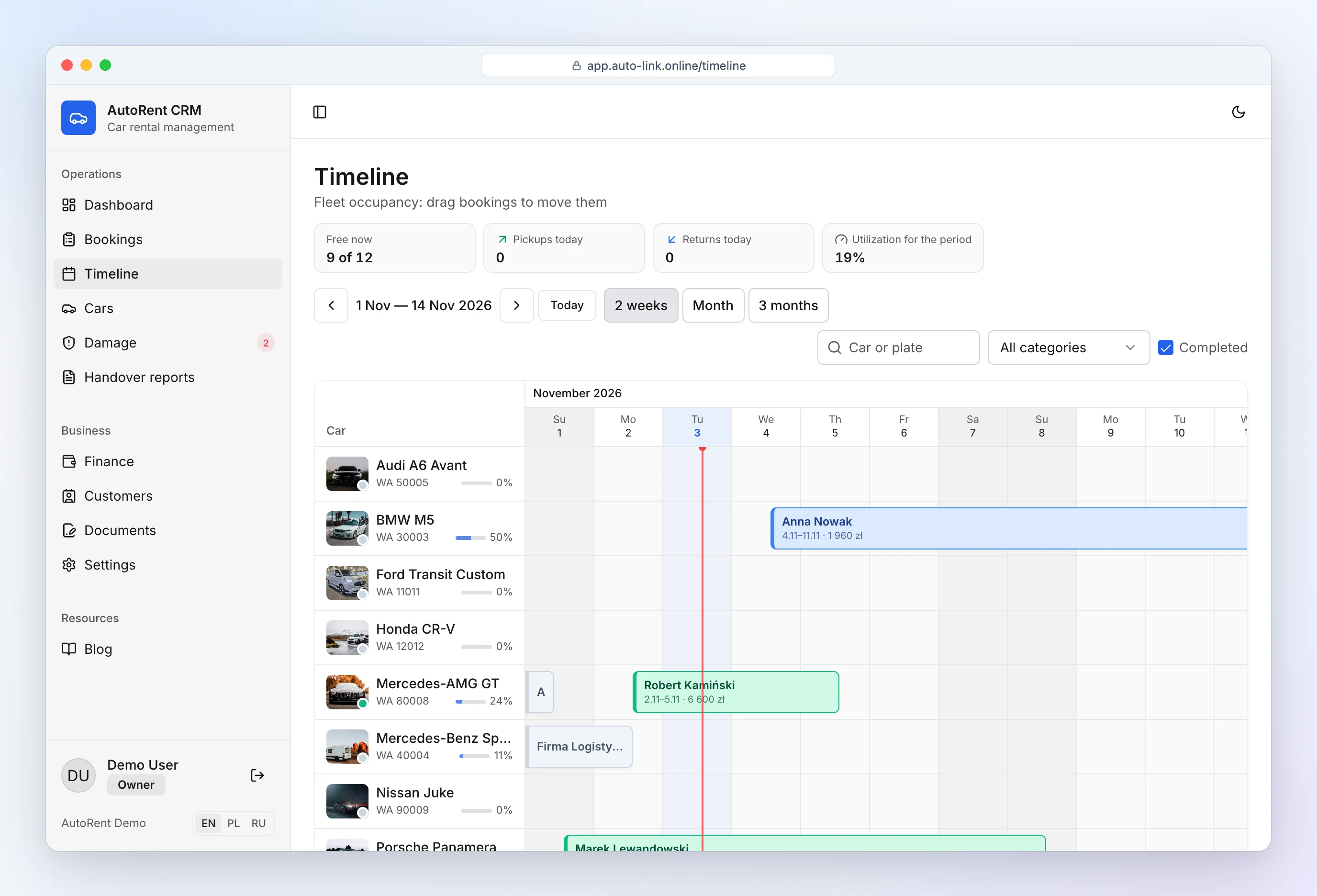
All cars on one timeline
The fleet availability calendar shows 2 weeks, a month or 3 months. Each booking is a bar with the customer's name, amount and status: pending, confirmed, on rent, completed. Late returns are highlighted in red.
- Drag a booking to change dates — even to another car.
- Drag the edge to shorten or extend a rental.
- Select empty days to create a new booking with those dates.
- When the number of days changes, the price is recalculated from your rates.
No double bookings
The car rental reservation system checks overlaps when you add, edit or drag a booking. If the car is taken, you see by whom and until when. A car already handed over can only be extended — it can't be moved to another booking by mistake.
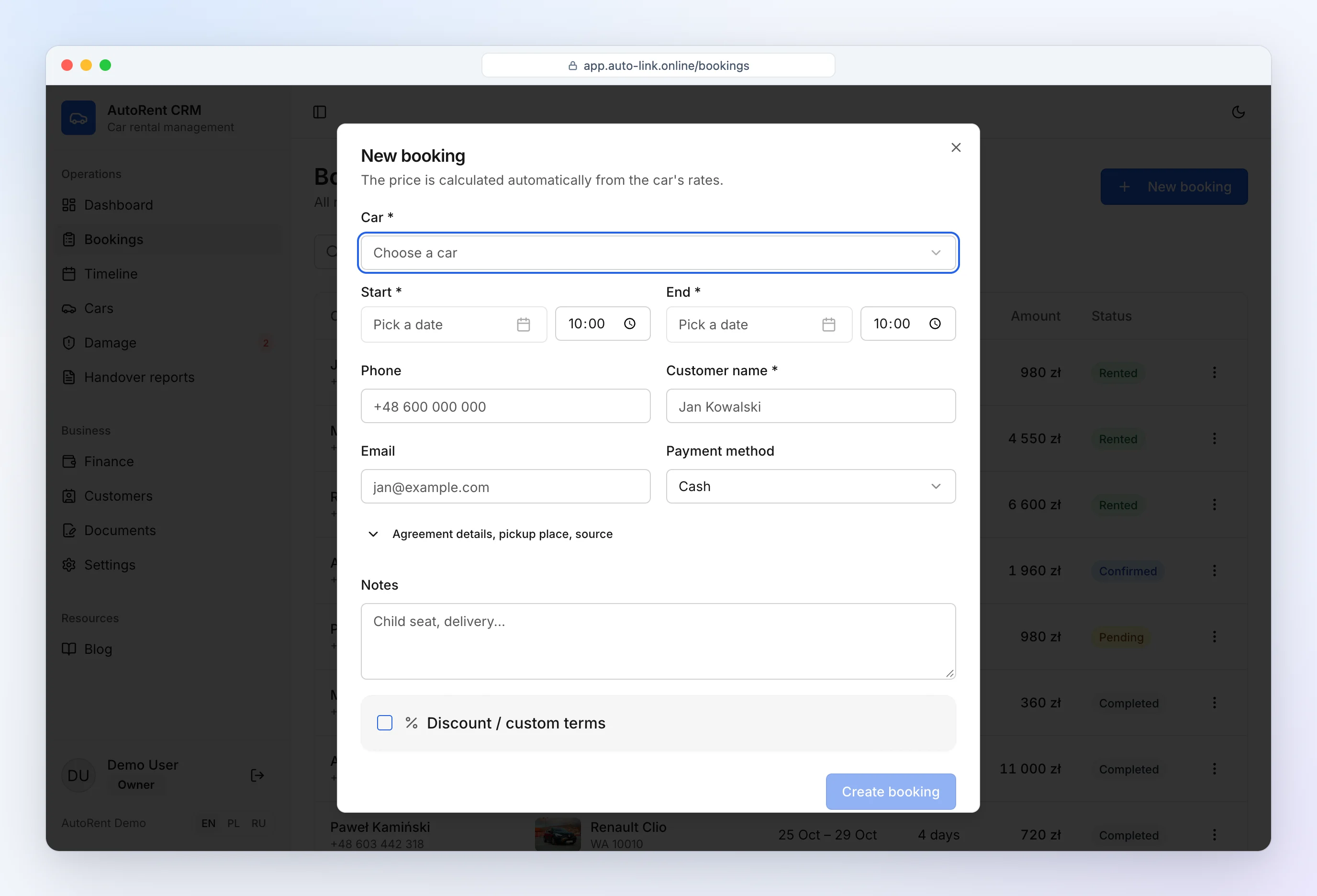
Bookings from your phone
The calendar and booking form work in a phone browser. At the top you see how many cars are free right now, today's pickups and returns and fleet utilization for the period — real rental car booking software for the parking lot.
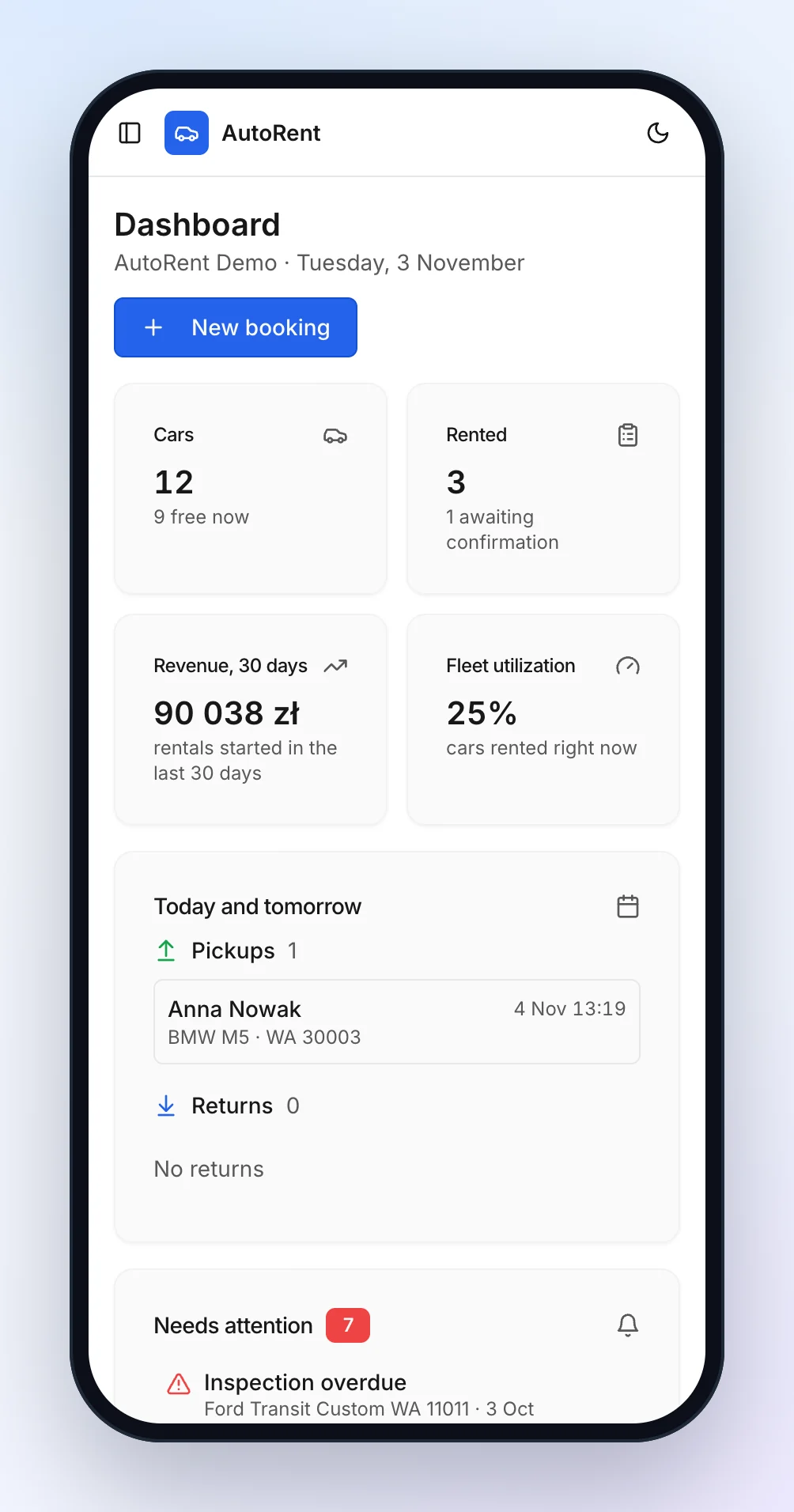
Free cars for any dates — a list for the customer
A customer asks: "What do you have from Friday to Monday?" Pick the dates on the cars page and you instantly see only the cars free for that period, with the price for the whole rental from your rates. Select a few cars and copy a ready list into WhatsApp or Telegram: model, daily price, total, deposit, mileage limit and the fee per extra kilometre. Create a booking from the list in one click.
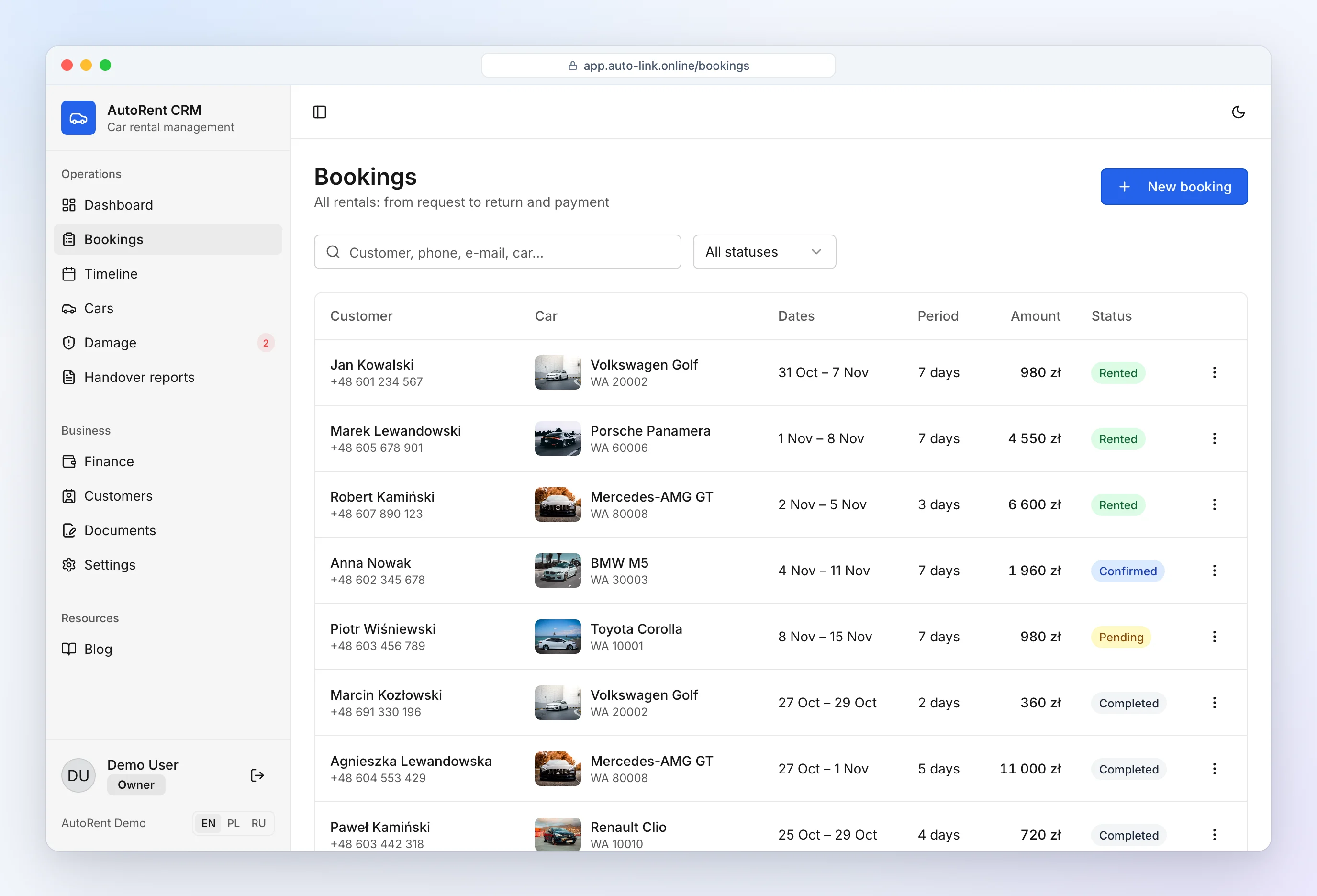
Customer details for the agreement — via a link
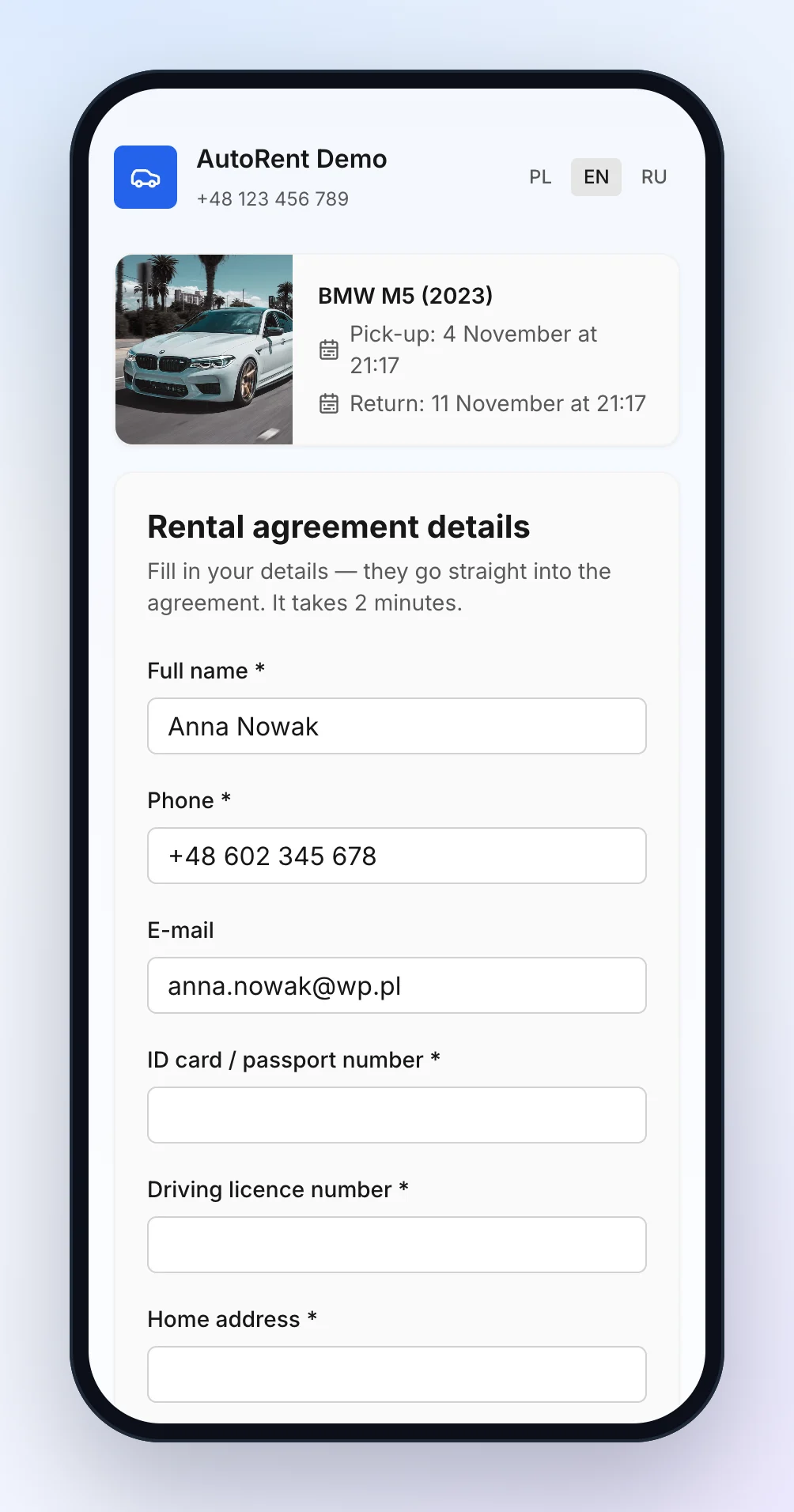
After booking, send the customer a link. They enter their name, ID or passport number, driving licence, address and date of birth on their phone and tick the GDPR consent. The data goes straight into the booking and the agreement — no retyping from photos of documents. The form is available in English, Polish and Russian, and the link closes once the car is handed over.
Notifications
New bookings, pickups in 2 hours and late returns are sent to Telegram.
See also: car rental software and car rental software pricing.
Frequently asked questions
Can customers book online?
Not yet — bookings are entered by the rental company. An online booking widget for customers is planned.
Does it prevent double bookings?
Yes. Two bookings of the same car on overlapping dates cannot be saved.
Can I move a booking by dragging it?
Yes. Drag a booking to other dates or another car, and drag its edge to change the length.
What period does the calendar show?
2 weeks, a month or 3 months — every car on one timeline.
Does the calendar work on a phone?
Yes, the timeline and booking list work in the phone browser.